


Mehr zum Buch
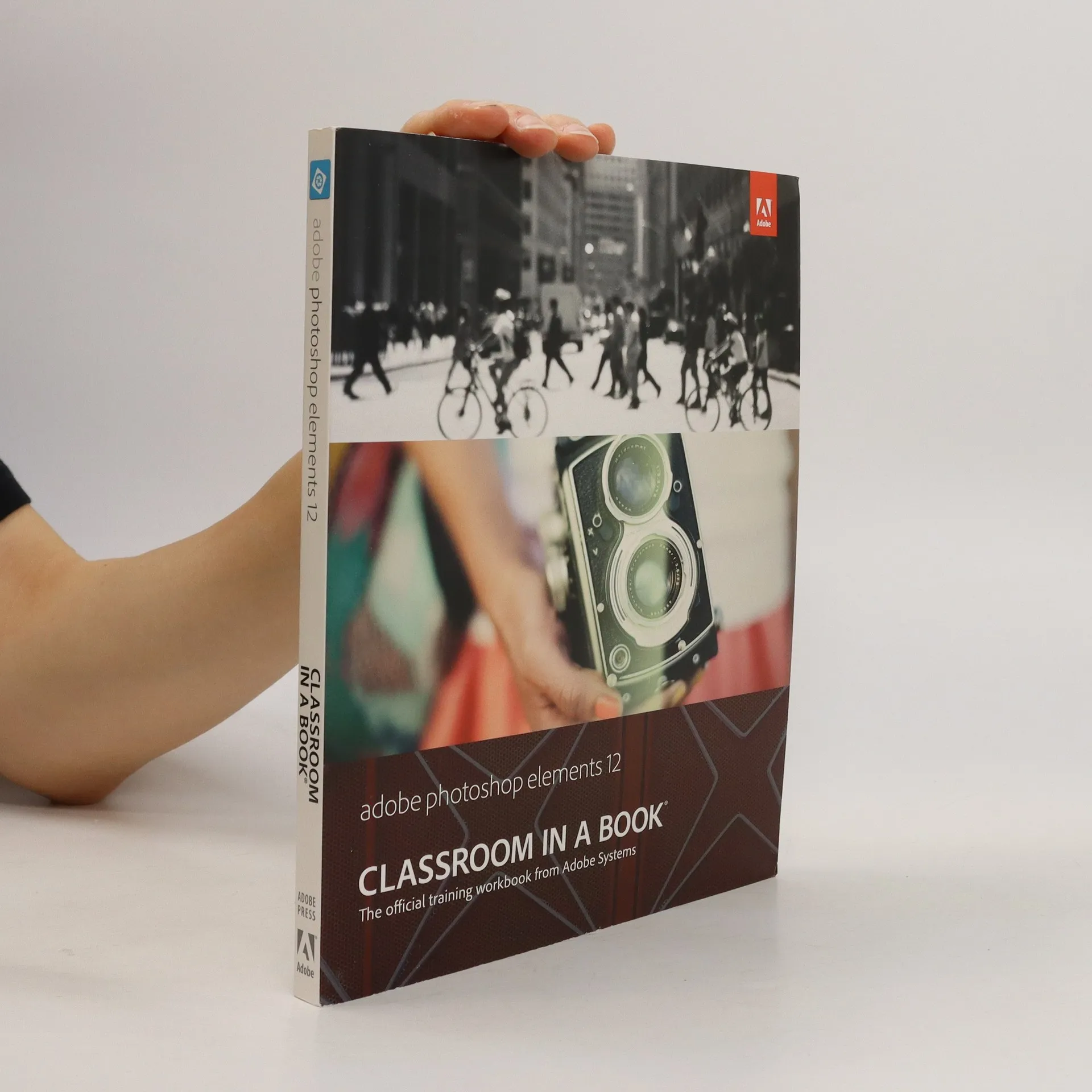
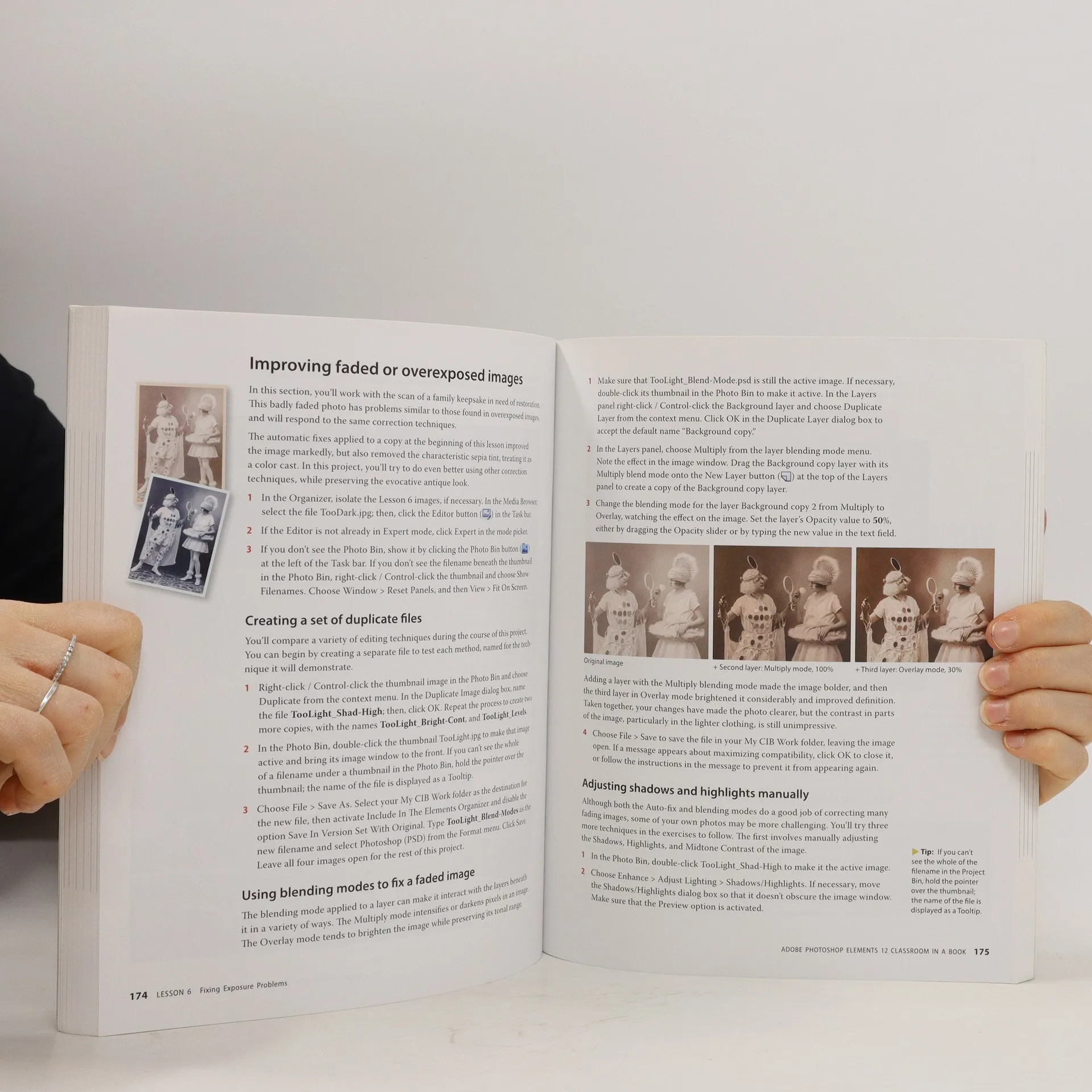
Adobe Photoshop Elements 12 Classroom in a Book is the most thorough and comprehensive way for you to master all the new features in Adobe's top-rated consumer-targeted photo-editing software. Each chapter in this step-by-step, project-based guide contains a project that builds on your growing knowledge of the program, while end-of-chapter review questions reinforce each lesson. You will learn the basics of editing your images with Photoshop Elements and learn how best to use the program's many new features.In this new version of the book you will receive complete coverage of all the new features of Photoshop Elements 12. Learn about the three easy-to-use editing modes and determine which one best fits your needs. Fix pet eye discolorations in your favorite photos with the new Correct pet eye feature. Learn how to automatically fill in the background when you move objects in your photos. Use a variety of one-touch Frames, Effects, and Textures to add depth to your photos. Easily view and share your photos virtually everywhere, including Facebook, YouTube, Vimeo, Twitter, and on smartphones and tablets.
Buchkauf
Adobe Photoshop Elements 12. Classroom in a Book, Autorenkollektiv
- Sprache

- Erscheinungsdatum
- 2014
- Einband
- (Paperback)
Hier könnte deine Bewertung stehen.
- Titel
- Adobe Photoshop Elements 12. Classroom in a Book
- Sprache
- Englisch
- Autor*innen
- Autorenkollektiv
- Erscheinungsdatum
- 2014
- Einband
- Paperback
- Seitenzahl
- 312
- ISBN10
- 0321949722
- ISBN13
- 9780321949721
- Reihe
- Schlagwörter
- Bewertung
- 4,15 von 5 Sternen
- Beschreibung
- Adobe Photoshop Elements 12 Classroom in a Book is the most thorough and comprehensive way for you to master all the new features in Adobe's top-rated consumer-targeted photo-editing software. Each chapter in this step-by-step, project-based guide contains a project that builds on your growing knowledge of the program, while end-of-chapter review questions reinforce each lesson. You will learn the basics of editing your images with Photoshop Elements and learn how best to use the program's many new features.In this new version of the book you will receive complete coverage of all the new features of Photoshop Elements 12. Learn about the three easy-to-use editing modes and determine which one best fits your needs. Fix pet eye discolorations in your favorite photos with the new Correct pet eye feature. Learn how to automatically fill in the background when you move objects in your photos. Use a variety of one-touch Frames, Effects, and Textures to add depth to your photos. Easily view and share your photos virtually everywhere, including Facebook, YouTube, Vimeo, Twitter, and on smartphones and tablets.