Photoshop Farbkorrektur
- 588 Seiten
- 21 Lesestunden


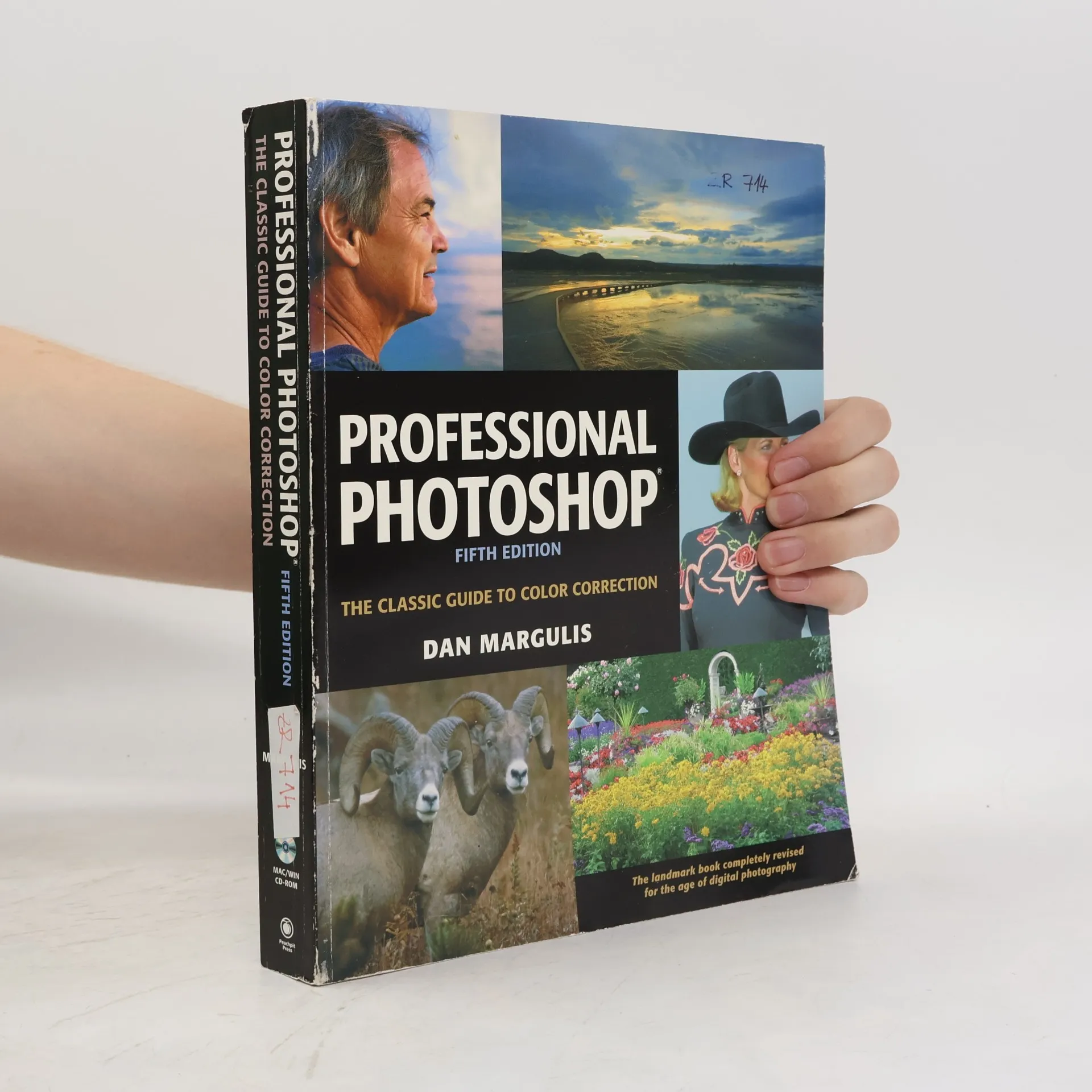
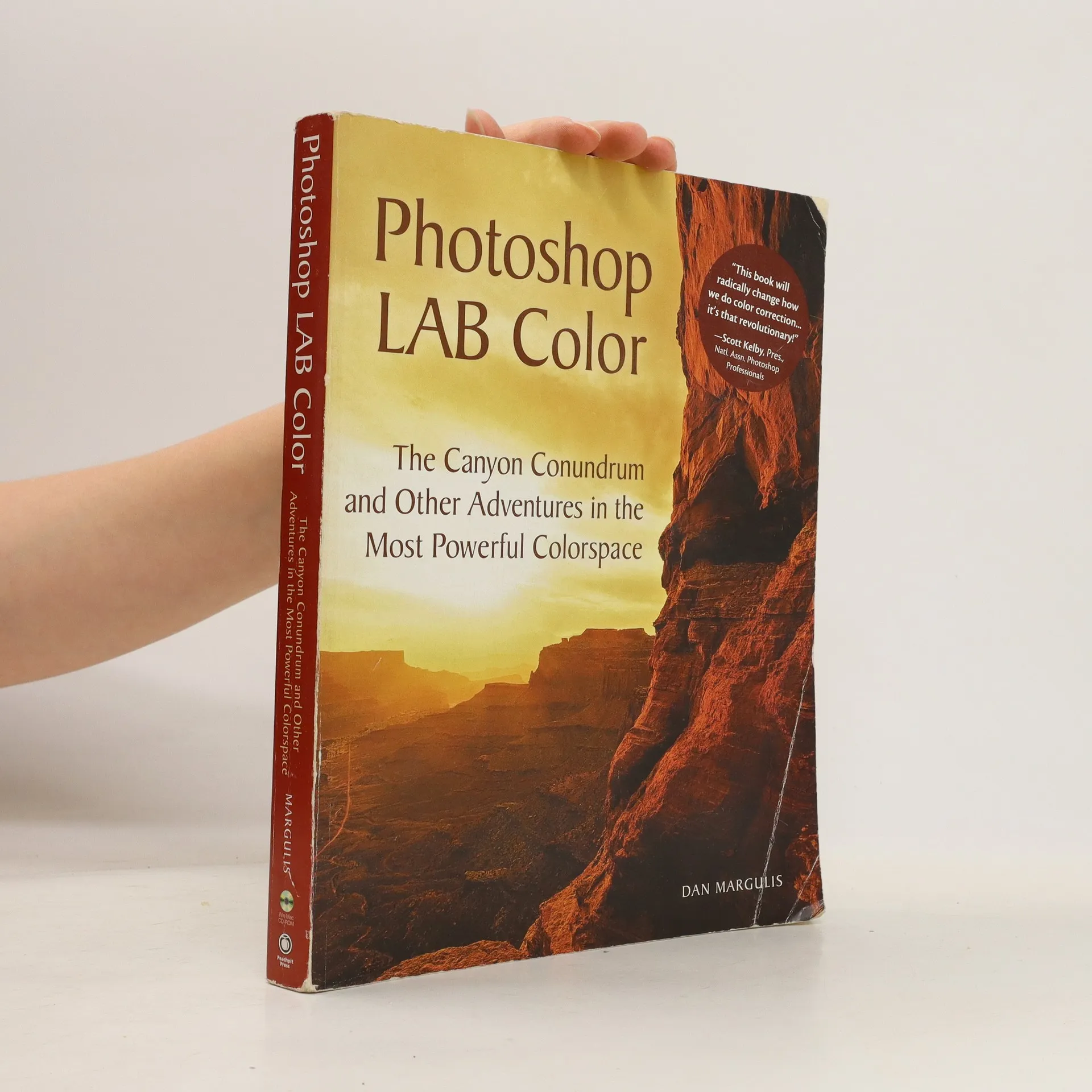

"10th anniversary edition of the landmark bestseller on color correction."--Cover.
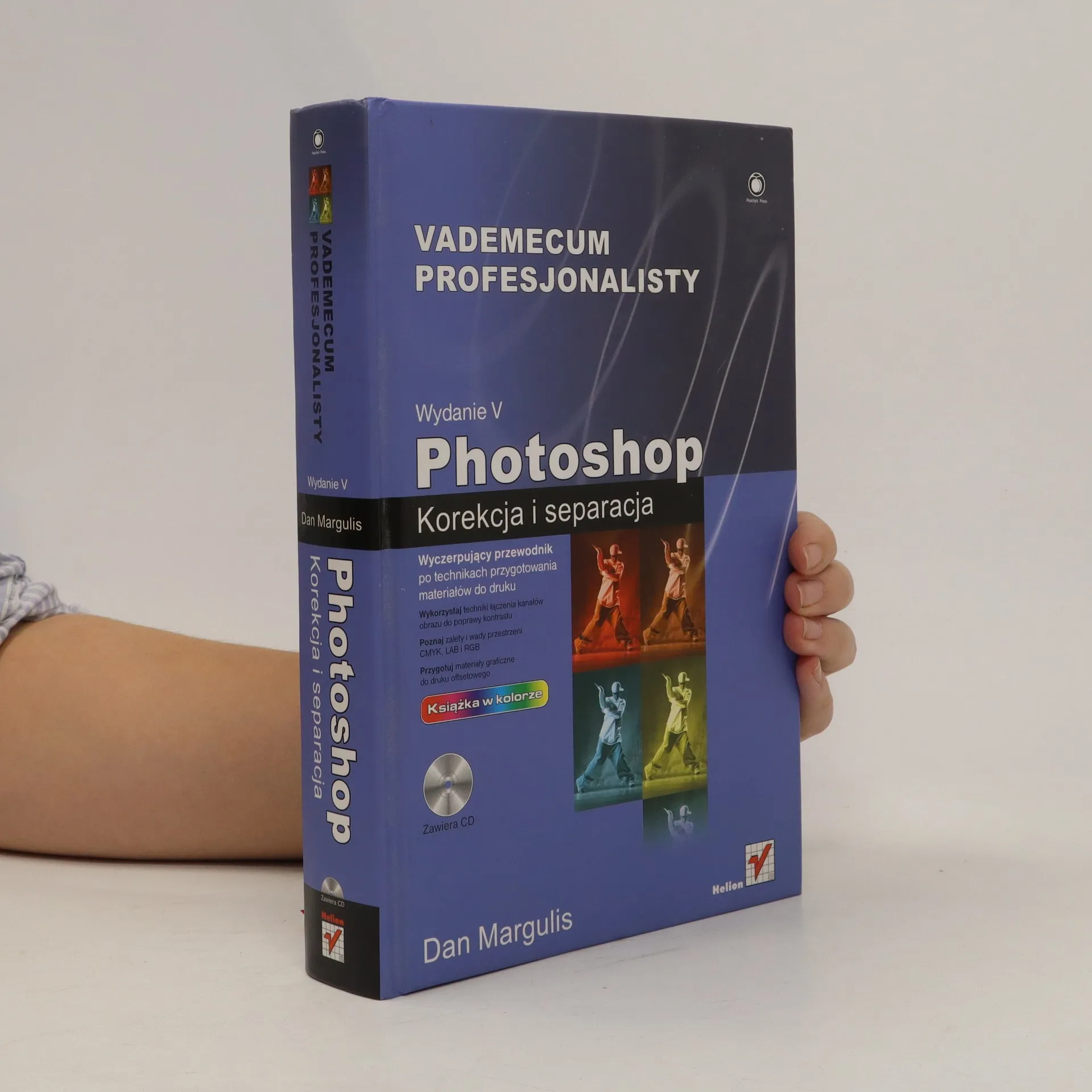
The commonsense, by-the-numbers approach of Professional Photoshop has shaped the workflows of a generation of Photoshop experts. This updated edition, the first in nearly five years, is tailored for the digital photography era, continuing the tradition of revealing effective, previously unknown image enhancement methods. Featuring original photographs from various professional sources, all correction exercises are included on a CD. With nearly 90 percent new content, this edition radically changes the coverage of curves, channel blending, and sharpening. It offers a comprehensive explanation of how curves enhance detail in key image areas, strategies for blending channels to create deeper images, and insights into the strengths and weaknesses of CMYK, LAB, and RGB color modes. Additionally, it provides a detailed look at the Shadow/Highlight command and advanced techniques for enhancing contrast in light and dark areas. The sharpening section spans three chapters, including the innovative hiraloam method (High Radius, Low Amount) and a method to merge hiraloam with conventional unsharp masking. The book also addresses the realities of preparing files for commercial offset printing, managing colors outside the press's gamut, and the advantages of Camera Raw and similar acquisition modules. It tackles typical digital capture issues not encountered in the film era and offers solutions for correction.
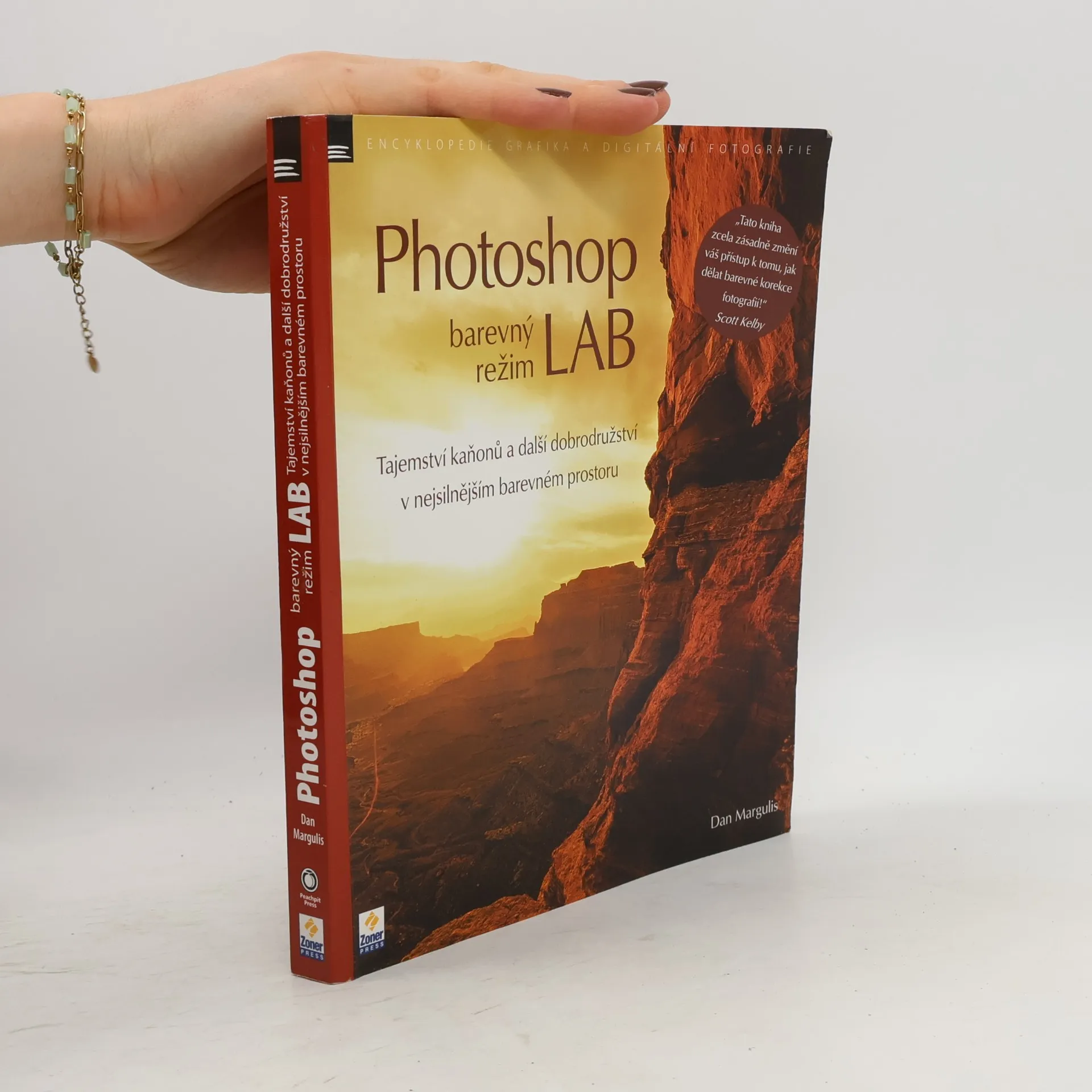
Na obálce publikace jsou slova Scotta Kelbyho: „Tato kniha zcela zásadně změní váš přístup k tomu, jak dělat barevné korekce fotografií!“ Mnoho uživatelů Photoshopu neví o barevném režimu LAB, někteří jej znají, ale nepoužívají. Pouze malá skupina jej využívá, většinou při doostřování fotografií. Proč pracovat s obrázky v barevném prostoru, který nelze použít pro tisk ani web? Dan Margulis, uznávaný odborník na Photoshop, vás zavede do světa LAB, kde odhaluje jeho sílu, dosud skrytou za složitostí. V této vysoce hodnocené knize Margulis popisuje oblasti, v nichž LAB vyniká, a ukazuje, jak jej začlenit do pracovních postupů. I když je kniha určena spíše pokročilým uživatelům, je psána přívětivým jazykem, který je srozumitelný i začátečníkům. Autor se nezdržuje vysvětlováním základních nástrojů Photoshopu, takže by neměla být první knihou, kterou si přečtete. Obsahuje informace o tom, proč je LAB nejlepší při slučování obrazu, jak se používají kanály A a B k vytvoření lepších masek, jak radikálně změnit barvy produktů a jak výrazně oživit portréty. Kniha pokrývá řadu dalších témat, která vám pomohou lépe využít potenciál LAB.
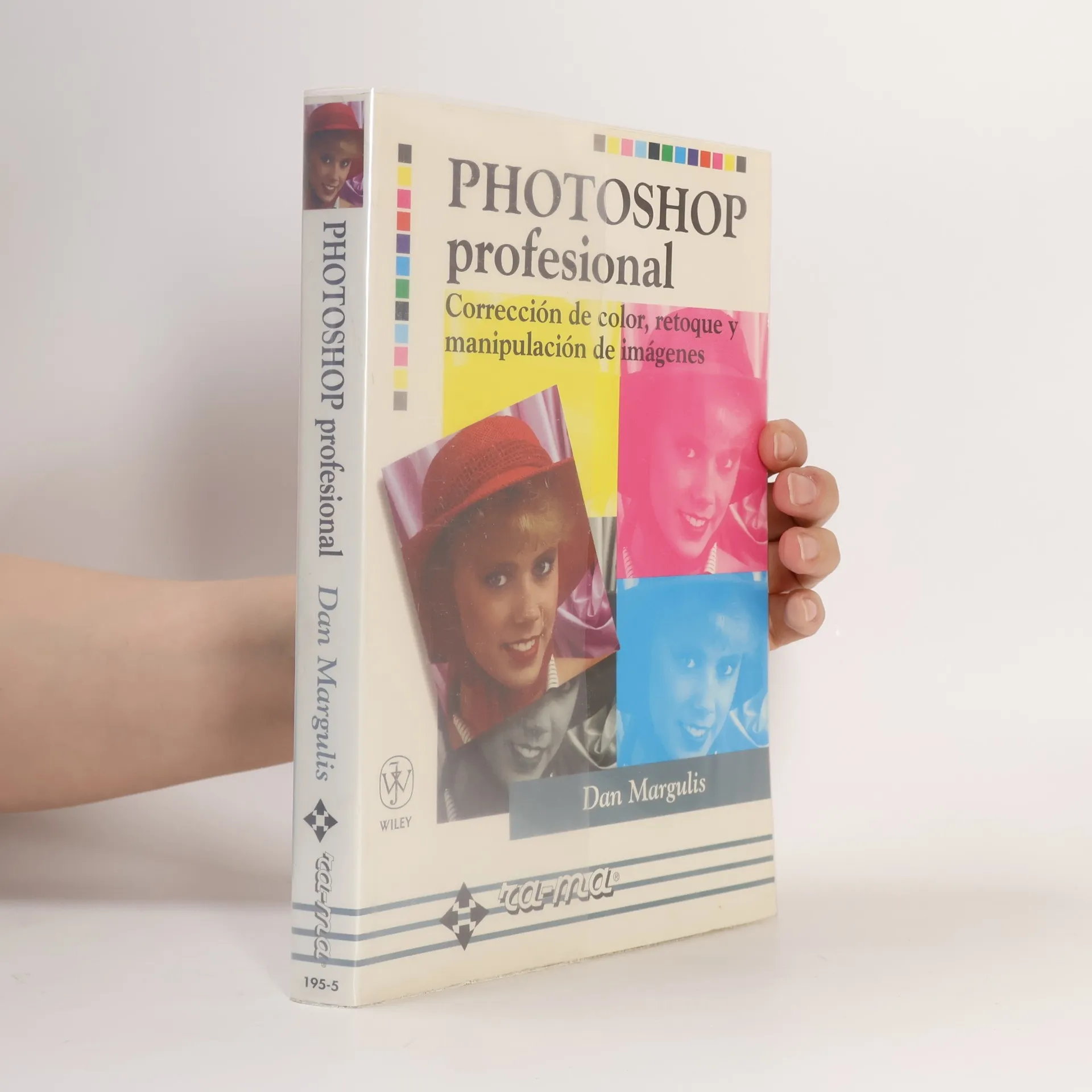
Corrección de color, retoque y manipulación de imágenes con Adobe Photoshop
Este libro cubre ampliamente la corrección de color, incluida la creación de tonos de piel reales, la corrección de dominancias de color, la garantía de que se utiliza la gama de tonos completa, los problemas de los colores neutros y los sacrificios que es preciso hacer en unas partes de la imagen para mejorar otras. Explica el uso profesional de las herramientas menos obvias para crear contraste y aumentar la nitidez, con una explicación completa del papel de la tinta negra y del color no deseado. Explica técnicas avanzadas de cortado y pegado , la conversion de imágenes en color a blancos y negros excelentes y la mejor forma de crear duotonos contundentes.