
Gratis Versand in ganz Deutschland
Bookbot

Ed Bott

    Ed Bott
    Mistrovství - Microsoft Windows 10
    Microsoft Windows XP Inside Out: Customizing Windows XP
    Windows 11 Inside Out
    Windows 10 für Experten
    Windows 11 für Profis
    Gedichte aus dem Leben
    • 2023

      Dive into Windows 11 and enhance your expertise with this comprehensive reference that highlights its most powerful features. Packed with time-saving solutions, tips, and workarounds, it guides you through personalizing your experience while maximizing security and privacy. Learn to install, configure, and secure Windows 11 in various environments, utilizing new features to minimize distractions and boost productivity. Create a visually appealing workspace that syncs across devices and leverage built-in apps while safely accessing more through the Microsoft Store. Stay informed with news and personal commitments via the Widgets pane, and take advantage of the advanced security and privacy features of the Microsoft Edge browser to protect your data. Manage local and cloud storage effectively, sync and share content, and optimize your use of File Explorer. Fine-tune access controls with user accounts, passwords, and biometrics, and reliably connect to Windows networks. Explore PowerShell and advanced administration tools for enterprise management, run Windows 11 in a virtual machine or cloud, and even use Android apps from the Amazon Appstore. Master expert-level troubleshooting, optimization, and recovery techniques to fully utilize Windows 11.

      Windows 11 Inside Out
    • 2023

      Windows 11 für Profis

      Insider-Wissen – praxisnah & kompetent

      Das Standardwerk zu Windows 11 bietet praxisnahe Tipps und Tricks von Microsoft-Experten für Power-User, Umsteiger und Early Adopters. Es dient als unverzichtbares Nachschlagewerk für Admins und Privatanwender. Windows 11 ist mehr als ein einfaches Update; es ist eine umfassende Überarbeitung des Systems, die von der Benutzeroberfläche bis zur Sicherheit reicht. Der erfahrene Windows-Experte Ed Bott zeigt, wie Sie Windows 11 optimal nutzen können. Mit hunderten zeitsparenden Tipps, praktischen Lösungen und Techniken zur Fehlerbehebung sowie einzigartigen Tricks wird das Handbuch durch anschauliche Beispiele und Schritt-für-Schritt-Anleitungen ergänzt. Egal ob Administrator, Power-User oder Umsteiger, dieses Werk hilft Ihnen, die Herausforderungen des neuen Betriebssystems zu meistern. Themen umfassen Installation, Upgrade und Lizenzoptionen, Anpassung der Benutzeroberfläche, Installation und Konfiguration von Apps, Nutzung von Microsoft Teams und Edge, Verwaltung von lokalem und Cloudspeicher sowie Benutzerkonten und Anmeldeinformationen. Zudem werden Netzwerkkonfiguration, Sicherheit und Datenschutz behandelt, Leistungsprobleme erklärt und Lösungen angeboten. Auch die Nutzung von Windows-Terminal, PowerShell und anderen Verwaltungstools sowie das Arbeiten mit virtuellen Computern und in der Cloud werden thematisiert.
      Windows 11 für Profis
    • 2017

      Mistrovství - Microsoft Windows 10

      • 720 Seiten
      • 26 Lesestunden
      5,0(2)Abgeben

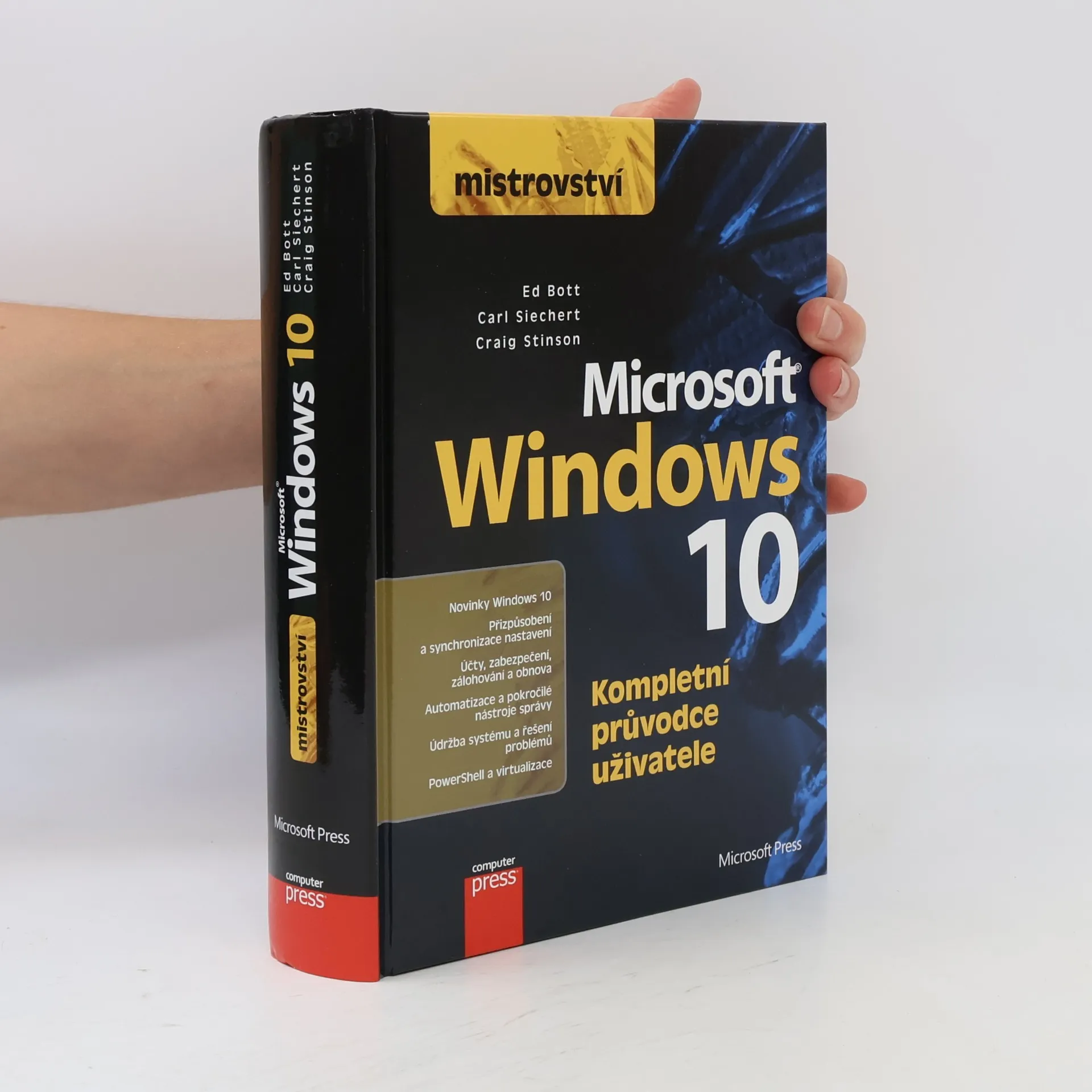
      Vše o Windows 10 v jedné knize Nahlédněte pod pokličku Windows 10 a seznamte se i s těmi nejvzdálenějšími zákoutími systému. Trojice zkušených autorů vás jednoduchou a přímočarou formou seznámí s poslední verzí nejrozšířenějšího desktopového operačního systému a naučí vás jej nejen efektivně používat, ale i nastavovat a spravovat, aniž byste museli být proškolenými profesionály. V knize najdete i celou řadu užitečných tipů z praxe.

      Mistrovství - Microsoft Windows 10
    • 2015

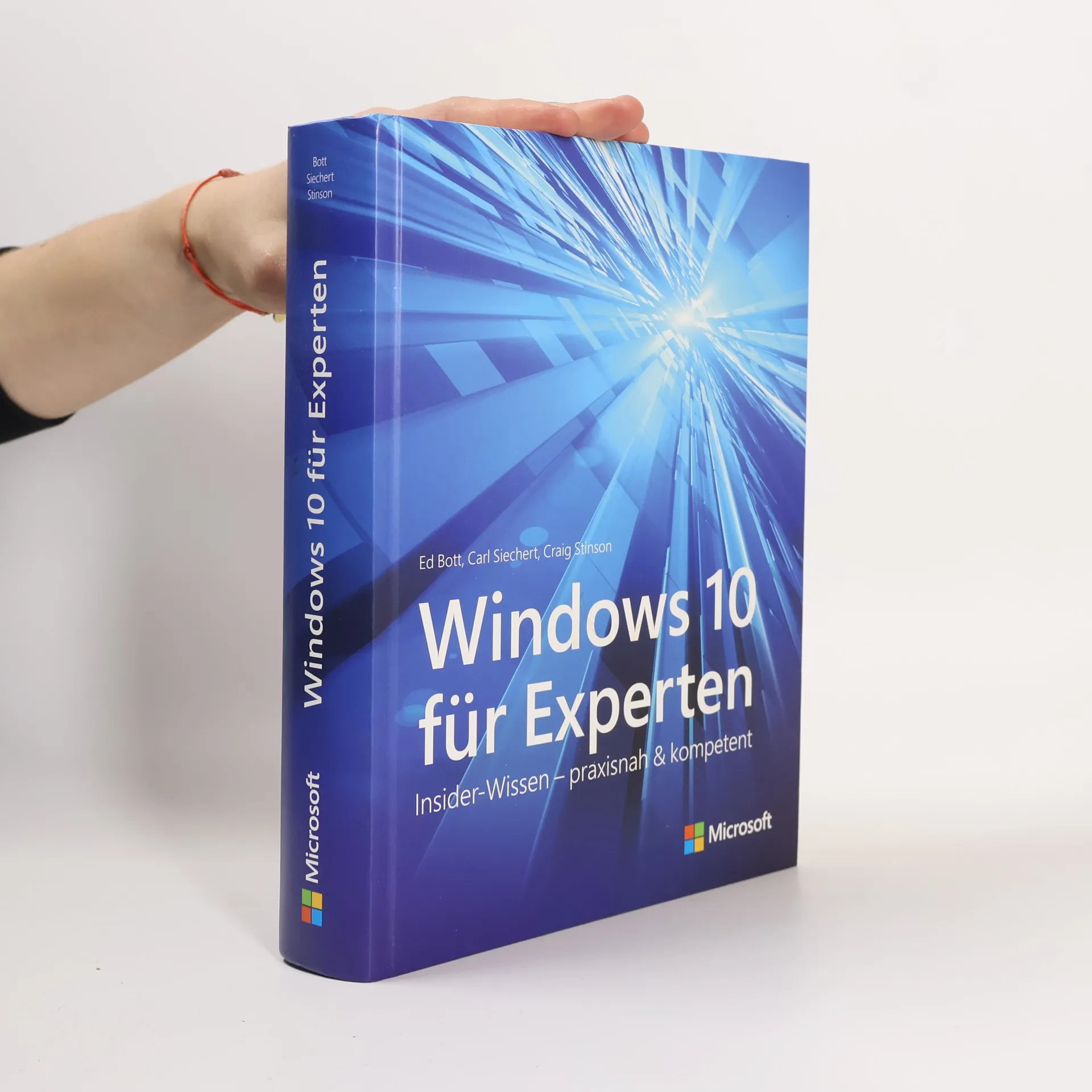
      Lernen Sie Windows 10 aus der Insidersicht kennen! Windows 10 für Experten enthält Hunderte von zeitsparenden Lösungen, Tipps und umfassendes Profi-Wissen. Geschrieben von einem Expertenteam, das von Insidern bei Microsoft unterstützt wurde, erklärt dieses Buch Windows 10 bis in die Tiefen des Betriebssystems. Von der Verwendung des neuen Browsers Microsoft Edge bis zum fortgeschrittenen System-Management – dieses Buch bietet übersichtlich organisiertes Wissen von ausgewiesenen Windowsprofis. - Installieren und konfigurieren Sie Windows 10 - Wechseln Sie reibungslos von Windows 7 oder 8.1 auf Windows 10 - Entdecken Sie den neuen schnellen Browser Microsoft Edge - Verwenden Sie die persönliche Assistentin Cortana, um Informationen abzufragen und Erinnerungen zu managen - Führen Sie Backups und Wiederherstellungen Ihrer Daten durch - Arbeiten Sie mit den Mail-, Kalender- und Kontakte-Apps - Organisieren und nutzen Sie Ihre digitale Medien - Verbessern Sie ihre Systemsicherheit und schützen Sie Ihre persönlichen Daten - Optimieren Sie die Leistung von Windows und beugen Sie Abstürzen vor - Verwenden Sie Remotedesktopverbindungen - Automatisieren Sie Aufgaben und verwenden Sie fortgeschrittene Systemmanagement-Tools - Konfigurieren Sie Hardware, Speicher, Stift- und Spracheingabe - Verwenden Sie virtuelle Computer mit Hyper-V - Arbeiten Sie mit der Eingabeaufforderung und der Windows PowerShell

      Windows 10 für Experten
    • 2010

      Mistrovství v Microsoft Windows 7

      • 936 Seiten
      • 33 Lesestunden
      5,0(1)Abgeben

      Osvojili jste si již základy práce s Windows 7, ale hledáte další informace, které by vám ozřejmily i ta nejvzdálenější zákoutí systému? Tato publikace vám do nejmenšího detailu, ale přitom velmi srozumitelně, vysvětlí všechny funkce, možnosti nastavení i praktické využití Windows 7. Uznávaní autoři vám nabídnou množství rad, tipů z praxe, doporučení a postupů, naplno využijete nové nástroje, naučíte se instalovat hardware, upravit registr, spravovat sítě, zabezpečit systém a mnoho dalšího. S knihou se tak stanete skutečným expertem – pokročilým uživatelem a administrátorem. Informace a návody navíc mohou využít nejen profesionálové, ale též uživatelé se základní znalostí práce ve Windows nebo ti, kteří na „sedmičky“ přechází ze starších verzí.

      Mistrovství v Microsoft Windows 7
    • 2007
      5,0(1)Abgeben

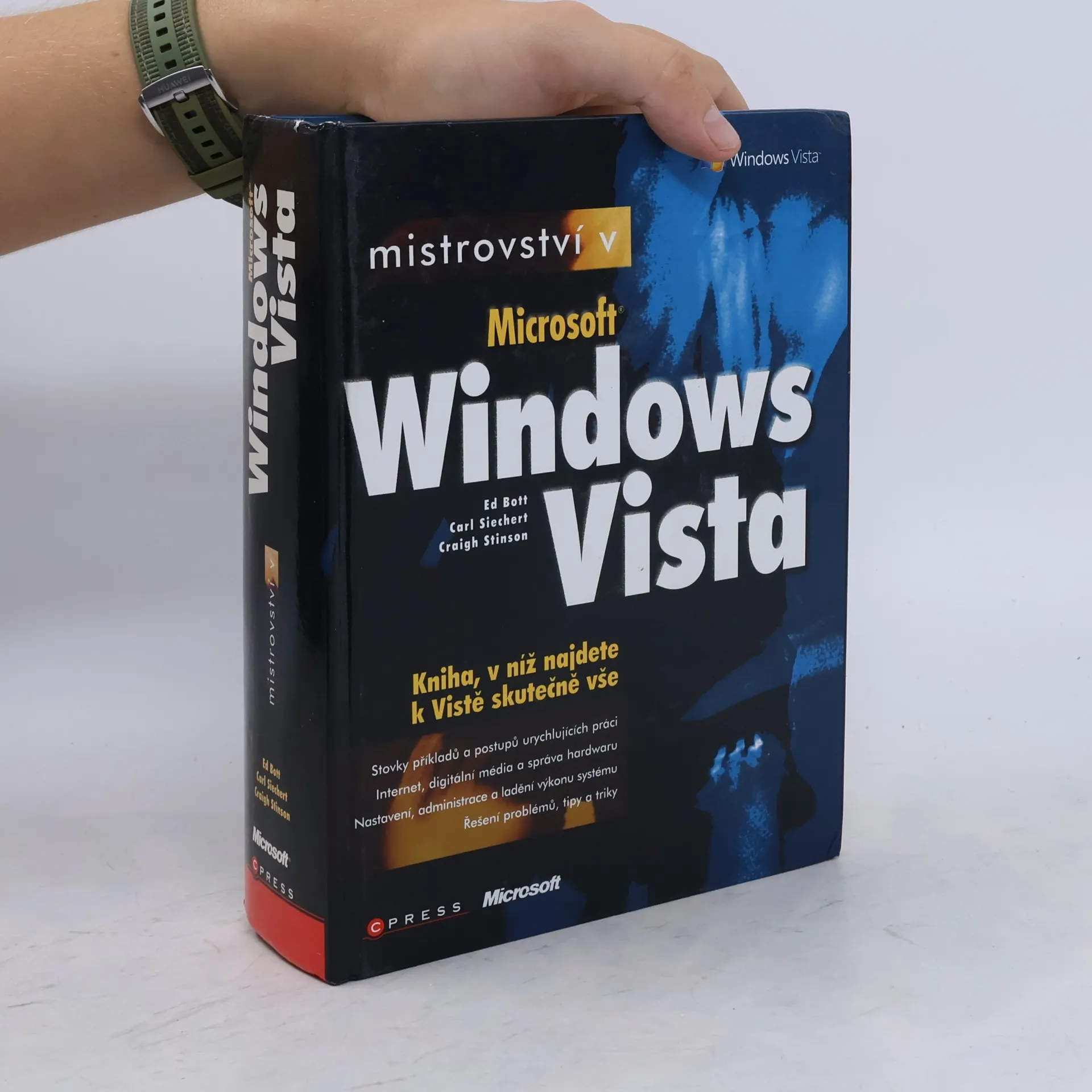
      Kniha z edice Mistrovství vám prozradí o Windows Vista opravdu vše. Přitom se zdaleka nezabývá jen obvyklými činnostmi a běžným nastavením, ale popisuje všechny funkce, pokročilé možnosti nastavení a přizpůsobení systému a řešení problémů. Kniha tak uspokojí každého, kdo se chce důkladně vyznat v obrovském světě systému Windows Vista. Informace, rady a návody navíc využijí nejen profesionálové a pokročilejší uživatelé, ale též uživatelé se základní znalostí práce ve Windows, nebo ti, kteří na Vistu přechází ze starších verzí.

      Mistrovství v Microsoft Windows Vista
    • 2006

      Mít nový počítač může obnášet řadu problémů, a nemusí jít ani o váš první počítač! Kniha z pera uznávaného zahraničního počítačového žurnalisty vás prakticky a názorně provede oblastmi důležitými pro rychlé a bezproblémové rozchození počítače od základní konfigurace a přesunu souborů a nastavení ze starého počítače přes instalaci softwaru, připojení tiskárny či fotoaparátu až po zabezpečení systému a jeho údržbu. (zapojení, instalace, konfigurace)

      Jak zprovoznit počítač
    • 2004

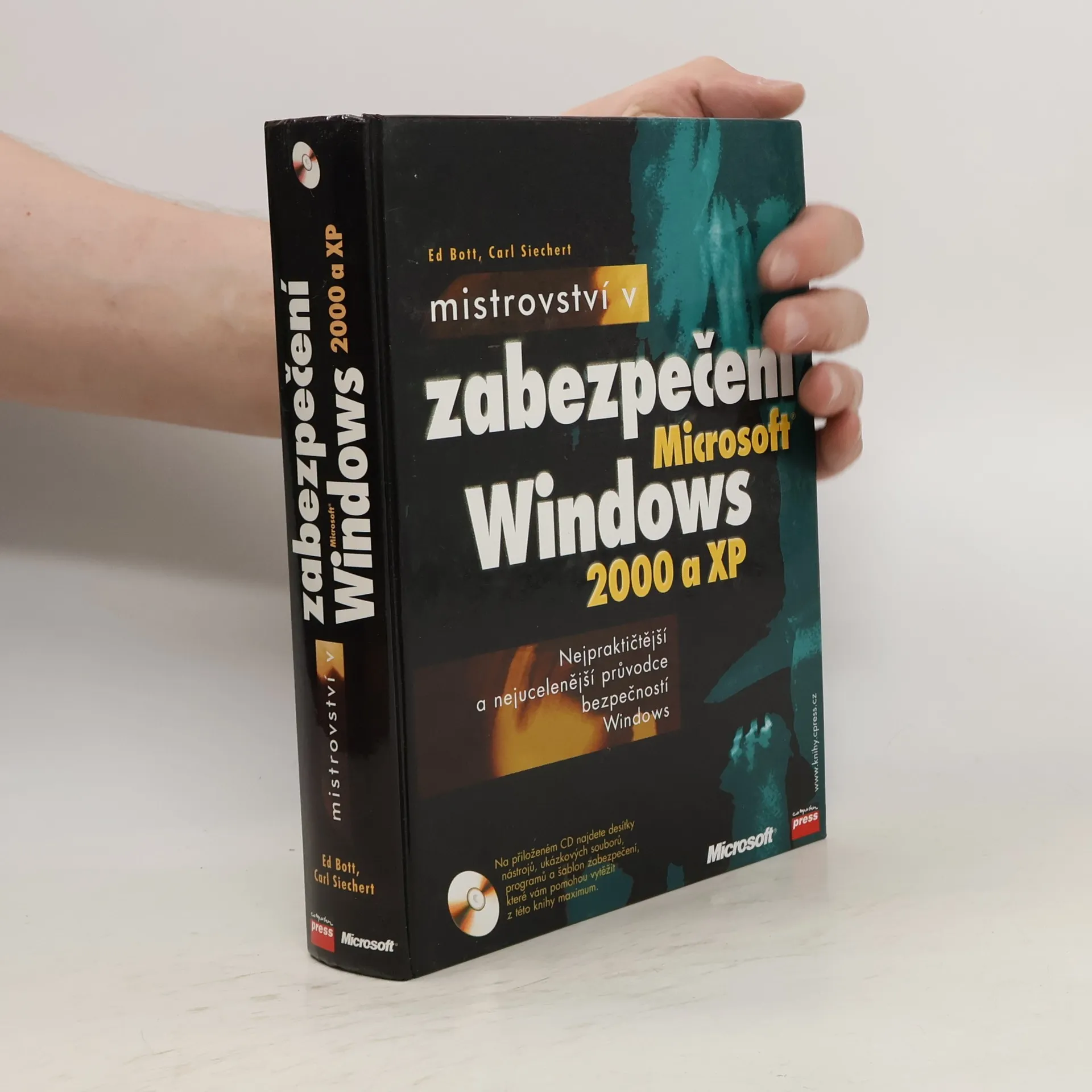
      "Nejucelenější a nejpraktičtější průvodce zabezpečením Windows!" Praktický průvodce základními principy i jednotlivými nástroji pro zabezpečení Windows XP a 2000 je svou srozumitelností a nepostradatelností nutnou výbavou každého správce. Ozřejmí vám, co vše je třeba udělat pro ochranu systému, a naučí vás bránit se proti hackerským útokům, spamu, útokům DoS a dalším hrozbám.

      Mistrovství v zabepečení Windows 2000 a XP
    • 2003

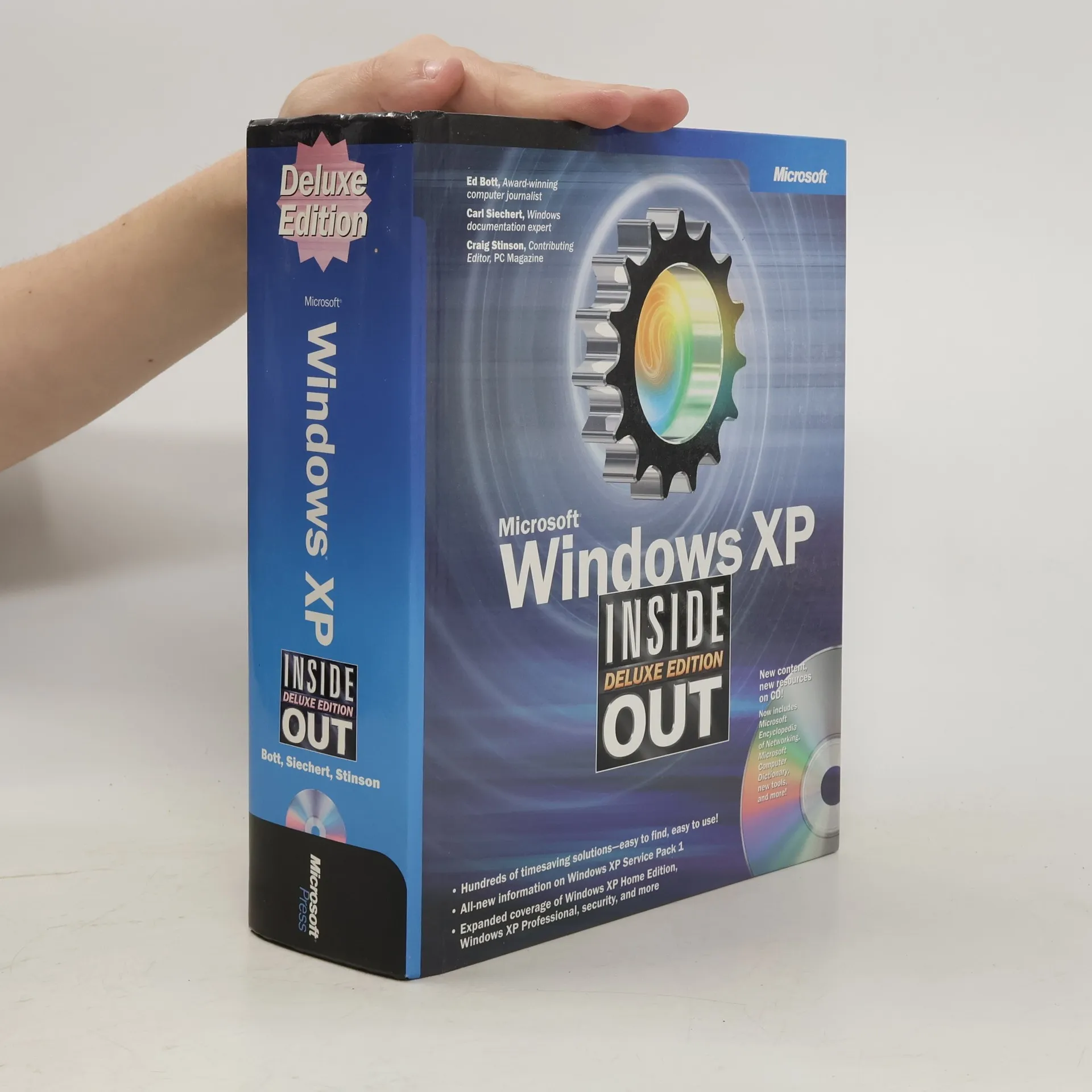
      Clearly, the three authors want readers to find the information they seek. On the flyleaf, before the title page, are 20 frequently asked questions and pages to go in the book for answers; on the verso, ten best tips. The "Contents at a Glance" pages are followed by a detailed table of contents; and the hefty volume is also thoroughly indexed. Coverage includes new content for Service Pack 1 and the latest on Windows XP Professional, Windows XP at home, security, the Table PC, and other developments. The included CD-ROM contains, among other things, Microsoft Encyclopedia of Networking, 2d ed., Microsoft Computer Dictionary, 5th ed., Windows XP Service Pack 1, and a Media Bonus Packbonus pack. Annotation copyrighted by Book News, Inc., Portland, OR.

      Microsoft Windows XP Inside Out: Customizing Windows XP