
Gratisversand in ganz Deutschland!
Bookbot

Simon Monk

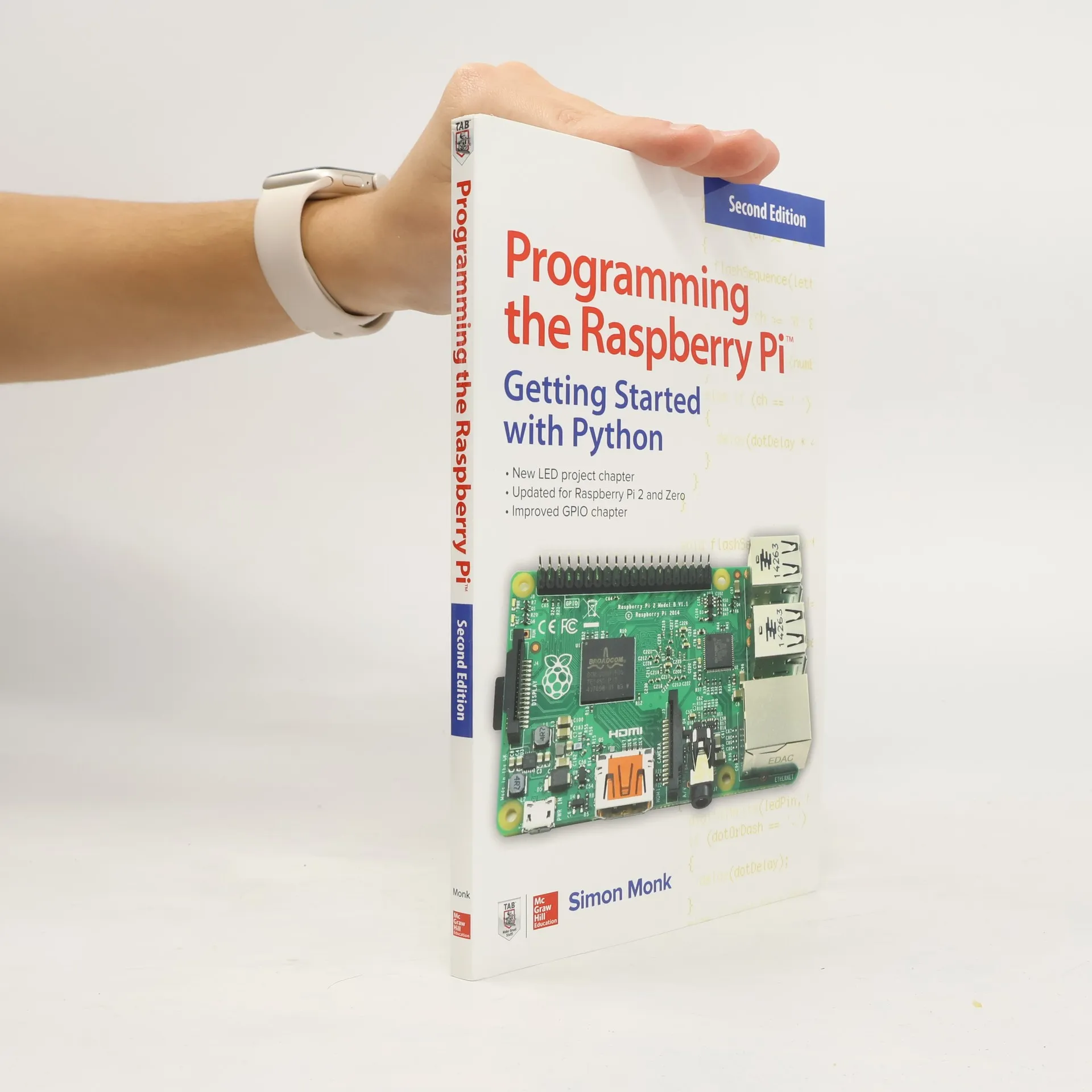
    Programming the Raspberry Pi, Third Edition: Getting Started with Python
    30 Arduino Projects for the Evil Genius, Second Edition
    Make Your Own PCBs with EAGLE: From Schematic Designs to Finished Boards
    Practical electronics for inventors
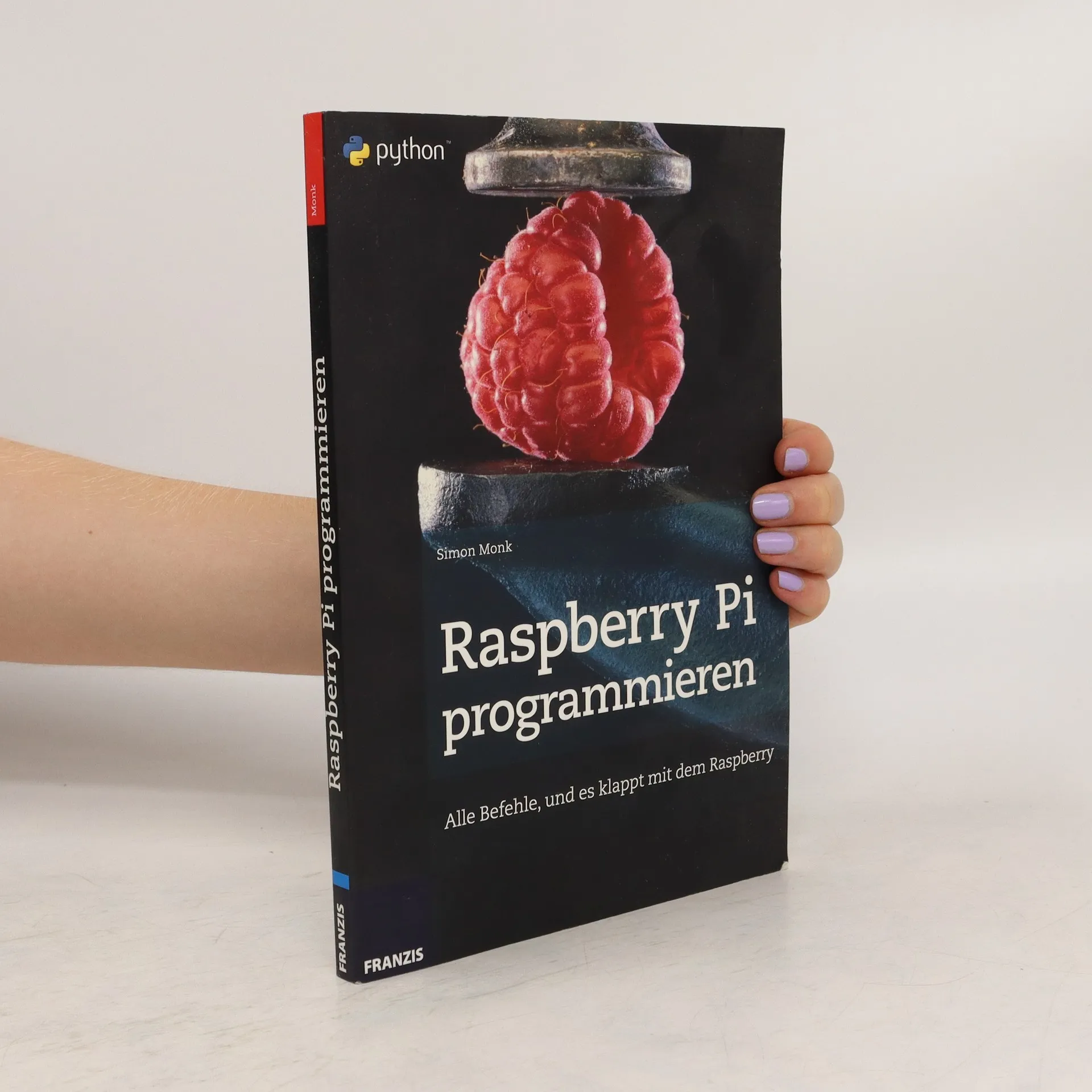
    Raspberry Pi programmieren
    Das Action-Buch für Maker
    • Pendant zum erfolgreichen "Sensoren"-Buch- Einziges Buch, dass sich systematisch mit Aktoren beschäftigt- Erfolgsautor und Profi-Maker Simon Monk..

      Das Action-Buch für Maker
    • Der Minicomputer Raspberry Pi ist nicht nur in aller Munde, sondern auch in allen Händen. Als Betriebssystem kommt Linux mit seinen vielfältigen Möglichkeiten zum Einsatz. Um den Raspberry Pi in eigenen Projekten einsetzen zu können, ist fundiertes Programmierwissen unerlässlich. Sowohl Einsteiger als auch Profis finden in „Raspberry Pi programmieren“ den optimalen Einstieg in die Programmierung des Raspberry Pi. Als Programmiersprache kommt hier die leicht zu lernende Sprache Python zum Einsatz. Nach den notwendigen Grundlagen wird Python direkt in Praxisbeispielen wie der Programmierung von eigenen Spielen erlernt. Ein beliebtes Einsatzgebiet für den Raspberry Pi sind eigene Hardwareprojekte. Deswegen wird der Ansteuerung der GPIO ein eigenes Kapitel gewidmet. Den Abschluss des Projektes bildet der RaspiRobot - ein eigener Roboter mit dem Raspberry Pi
      Raspberry Pi programmieren
    • "Fully updated coverage of PCB design and construction with EAGLE. This thoroughly revised, easy-to-follow guide shows, step-by-step, how to create your own professional-quality PCBs using the latest versions of EAGLE. Make your own PCBs with Eagle: from schematic designs to finished boards, Second Edition, guides you through the process of a developing a schematic, transforming it into a PCB layout, and submitting Gerber files to a manufacturing service to fabricate your finished board. Four brand-new chapters contain advanced techniques, tips, and features. Downloadable DIY projects include a sound level meter, Arduino shield, Raspberry Pi expansion board, and more!"--Page 4 of cover

      Make Your Own PCBs with EAGLE: From Schematic Designs to Finished Boards
    • An up-to-date guide to creating your own fun and useful Raspberry PiTM programs This fully updated guide shows how to create inventive programs and fun games on your powerful Raspberry Pi—with no programming experience required. Programming the Raspberry PiTM: Getting Started with Python, Third Edition addresses physical changes and new setup procedures as well as OS updates to the current version 4. You will discover how to configure hardware and software, write Python scripts, create user-friendly GUIs, and control external electronics. Step-by-step projects include a digital clock prototype and a fully functioning Raspberry Pi robot. Configure your Raspberry Pi and explore its features Start writing and debugging Python programs Use strings, lists, functions, and dictionaries Work with modules, classes, and methods Apply object-oriented development methods Create user-friendly games using Pygame Build intuitive user interfaces with guizero Interface with hardware using the gpiozero library Attach external electronics through the GPIO port Add powerful Web features to your projects

      Programming the Raspberry Pi, Third Edition: Getting Started with Python
    • 3,7(135)Abgeben

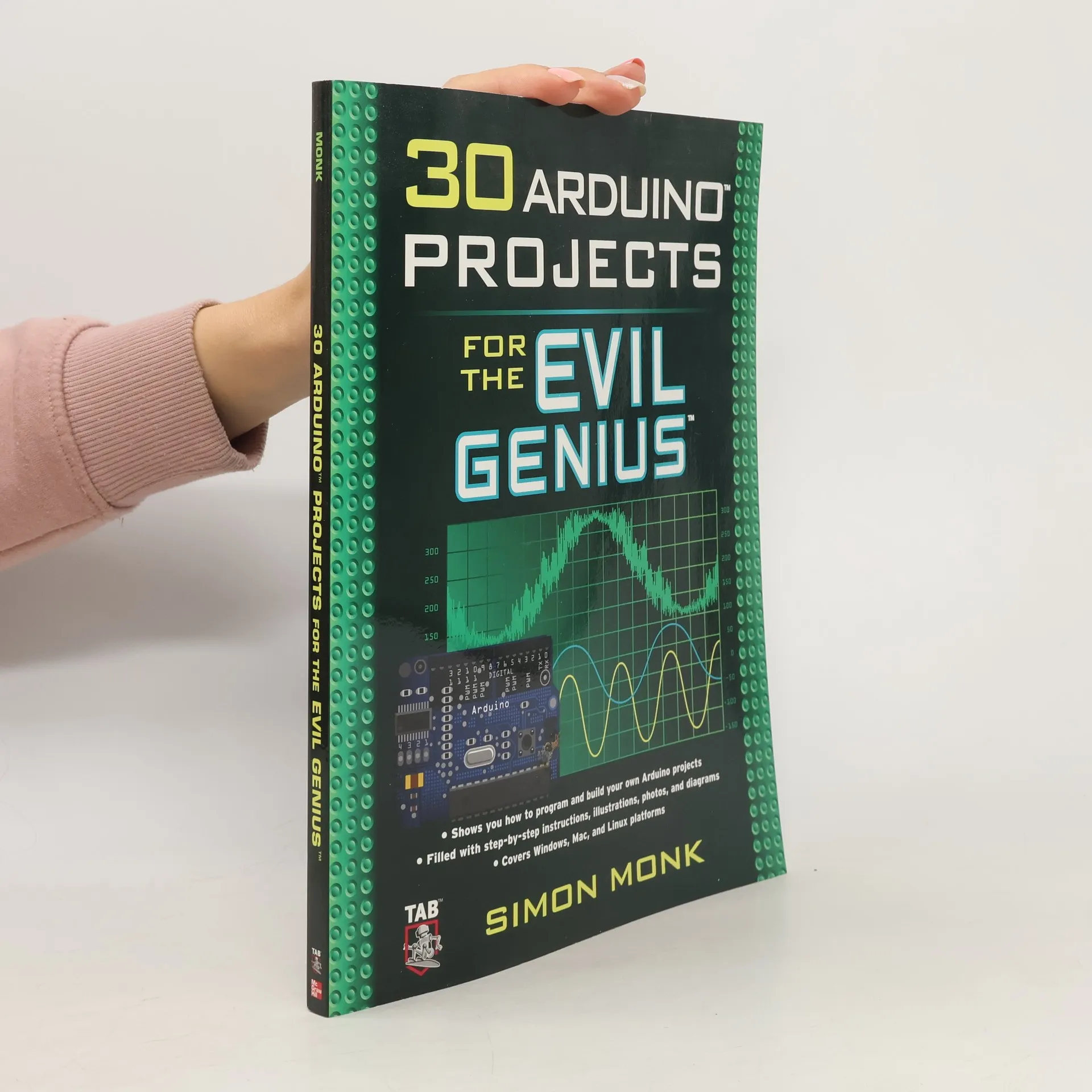
      This wickedly inventive guide shows you how to program and build a variety of projects with the Arduino microcontroller development system. Covering Windows, Mac, and Linux platforms, 30 Arduino Projects for the Evil Genius gets you up to speed with the simplified C programming you need to know--no prior programming experience necessary. Using easy-to-find components and equipment, this do-it-yourself book explains how to attach an Arduino board to your computer, program it, and connect electronics to it to create fiendishly fun projects. The only limit is your imagination! 30 Arduino Projects for the Evil

      30 Arduino Projects for the Evil Genius
    • Where will you be when the zombie apocalypse hits? Trapping yourself in the basement? Roasting the family pet? Beheading reanimated neighbors?No way. You’ll be building fortresses, setting traps, and hoarding supplies, because you, savvy survivor, have snatched up your copy of The Maker's Guide to the Zombie Apocalypse before it’s too late. This indispensable guide to survival after Z-day, written by hardware hacker and zombie anthropologist Simon Monk, will teach you how to generate your own electricity, salvage parts, craft essential electronics, and out-survive the undead.,p>Take charge of your –Monitor zombie movement with trip wires and motion sensors–Keep vigilant watch over your compound with Arduino and Raspberry Pi surveillance systems–Power zombie defense devices with car batteries, bicycle generators, and solar powerEscape imminent –Repurpose old disposable cameras for zombie-distracting flashbangs–Open doors remotely for a successful sprint home–Forestall subplot disasters with fire and smoke detectorsCommunicate with other –Hail nearby humans using Morse code–Pass silent messages with two-way vibration walkie-talkies–Fervently scan the airwaves with a frequency hopperFor anyone from the budding maker to the keen hobbyist, The Maker’s Guide to the Zombie Apocalypse is an essential survival tool.Uses the Arduino Uno board and Raspberry Pi Model B+ or Model 2

      The Maker's Guide to the Zombie Apocalypse
    • Publisher's Note: Products purchased from Third Party sellers are not guaranteed by the publisher for quality, authenticity, or access to any online entitlements included with the product. Quickly write innovative programs for your micro:bit—no experience necessary! This easy-to-follow guide shows, step-by-step, how to quickly get started with programming and creating fun applications on your micro:bit.. Written in the straightforward style that Dr. Simon Monk is famous for, Programming the BBC micro:bit: Getting Started with MicroPython begins with basic concepts and gradually progresses to more advanced techniques. You will discover how to use the micro:bit's built-in hardware, use the LED display, accept input from sensors, attach external electronics, and handle wireless communication. •Connect your micro:bit to a computer and start programming!•Learn how to use the two most popular MicroPython editors •Work with built-in functions and methods—and see how to write your own•Display text, images, and animations on the micro:bit’s LED matrix•Process data from the accelerometer, compass, and touch sensor•Control external hardware by attaching it to the edge connector•Send and receive messages via the built-in radio module•Graphically build programs with the JavaScript Blocks Editor

      Programming the BBC micro:bit: Getting Started with MicroPython